Dine-in operations
Table Management
Bittu POS table management gives restaurants a practical dine-in workflow for tables, capacity, order status, payment collection, QR codes, and split bills.
THE SHORT ANSWER
What is restaurant table management software?
Bittu POS table management gives restaurants a practical dine-in workflow for tables, capacity, order status, payment collection, QR codes, and split bills.
THE TOOLS BEHIND THE SERVICE
A better way to run the day.
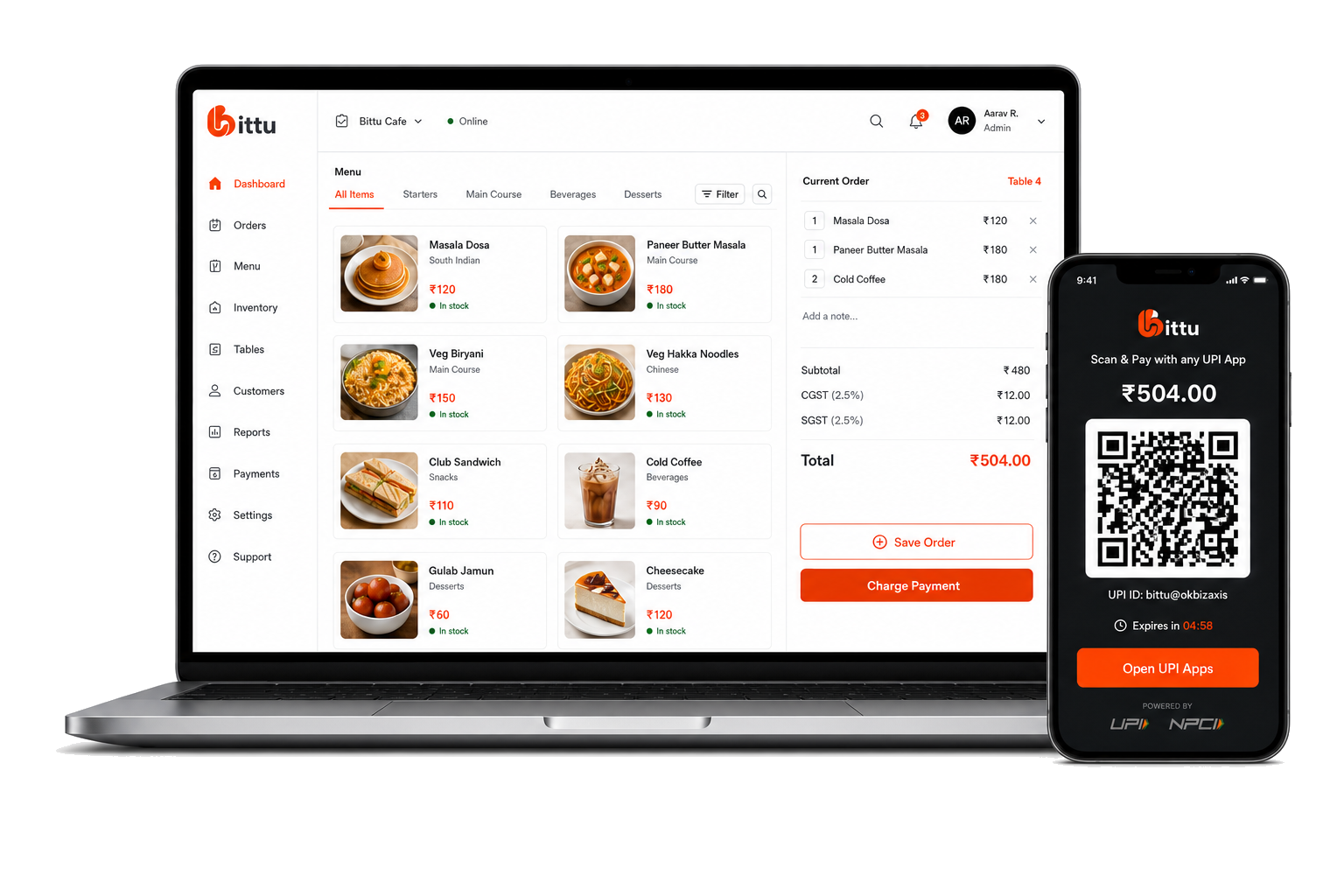
Manage dine-in tables, table capacity, table orders, QR codes, split bills, and payments with Bittu POS.
Open table details for active dine-in service.
Use QR codes for table ordering when enabled.
Support split bill and payment actions from table workflows.
FROM SETUP TO SERVICE
Built into your
working day.
Clear steps and connected tools help your team keep service moving.
- 01
Set up tables and seating capacity.
- 02
Open a table during service and manage its order.
- 03
Let guests scan table QR codes for self-ordering where configured.
- 04
Settle the bill and keep the order linked to the table history.
ONE CONNECTED RESTAURANT
The rest of your operation, connected.
Explore the tools that work alongside this part of your restaurant.
A LITTLE MORE CLARITY
Good questions.
Straight answers.
Can Bittu POS create table QR codes?
Yes. Bittu POS includes QR generation for dine-in table workflows.
Can I split bills by table?
The table module includes split bill workflow components for dine-in service.
Can Bittu POS manage table capacity?
Yes. Tables include capacity fields so restaurants can manage seating details.
BIG AMBITIONS. A FRIENDLY FACE.
You bring the passion.
Bittu brings it together.
Give your team the tools to run the day. Give yourself room to think about what’s next.
Book a Free Demo