
Owner visibility
Restaurant Reports
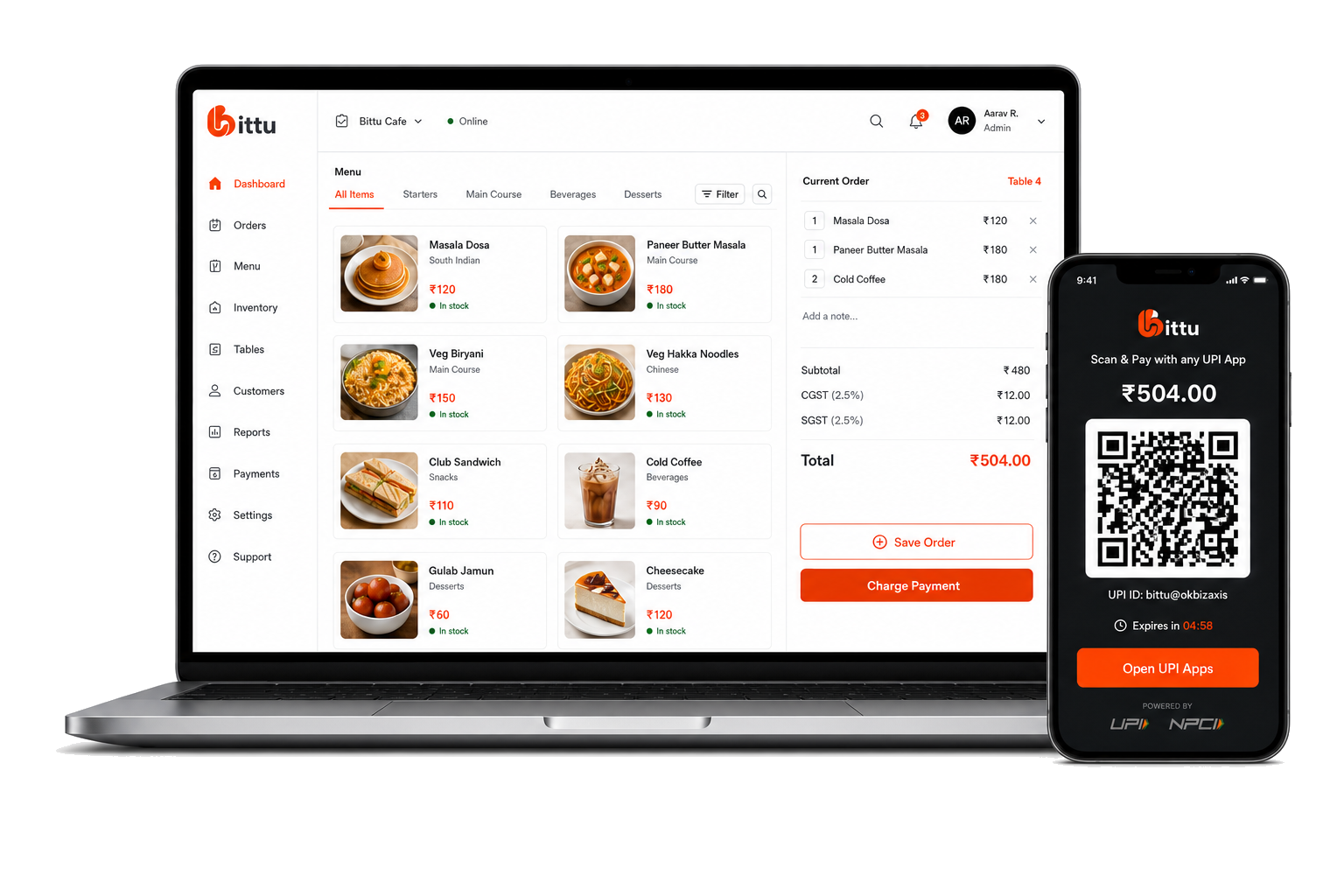
Bittu POS reporting helps restaurant owners understand what is selling, how payments are moving, and where operational attention is needed.
THE SHORT ANSWER
What are restaurant reports?
Restaurant reports summarize sales, orders, stock, and payment activity so operators can review their business. Bittu POS connects top-selling item reports, order records, inventory reports, payment statements, and settlement views.
THE TOOLS BEHIND THE SERVICE
A better way to run the day.
Review top-selling items, orders, payments, settlements, inventory status, and operational reports in Bittu POS restaurant reporting software.
Track orders and payment status.
Use payment statements and settlement views for finance visibility.
Export inventory and review stock alerts.
FROM SETUP TO SERVICE
Built into your
working day.
Clear steps and connected tools help your team keep service moving.
- 01
Orders, items, inventory, and payments are recorded during daily use.
- 02
Owners review top items, order history, payment statements, and inventory reports.
- 03
Inventory status and payment settlement views support operational follow-up.
- 04
Reports guide menu, stock, and cashflow decisions.
ONE CONNECTED RESTAURANT
The rest of your operation, connected.
Explore the tools that work alongside this part of your restaurant.
A LITTLE MORE CLARITY
Good questions.
Straight answers.
Can Bittu POS show top-selling items?
Yes. Bittu POS includes a top items report for sales visibility.
Can owners review settlements?
Yes. Payment statements and settlement views support payment and payout review.
What can owners review in payment statements?
Owners can review collections, pending and settled amounts, payment status, fees, and GST in the statement workspace.
BIG AMBITIONS. A FRIENDLY FACE.
You bring the passion.
Bittu brings it together.
Give your team the tools to run the day. Give yourself room to think about what’s next.
Book a Free Demo