Fast checkout
Restaurant Billing Software
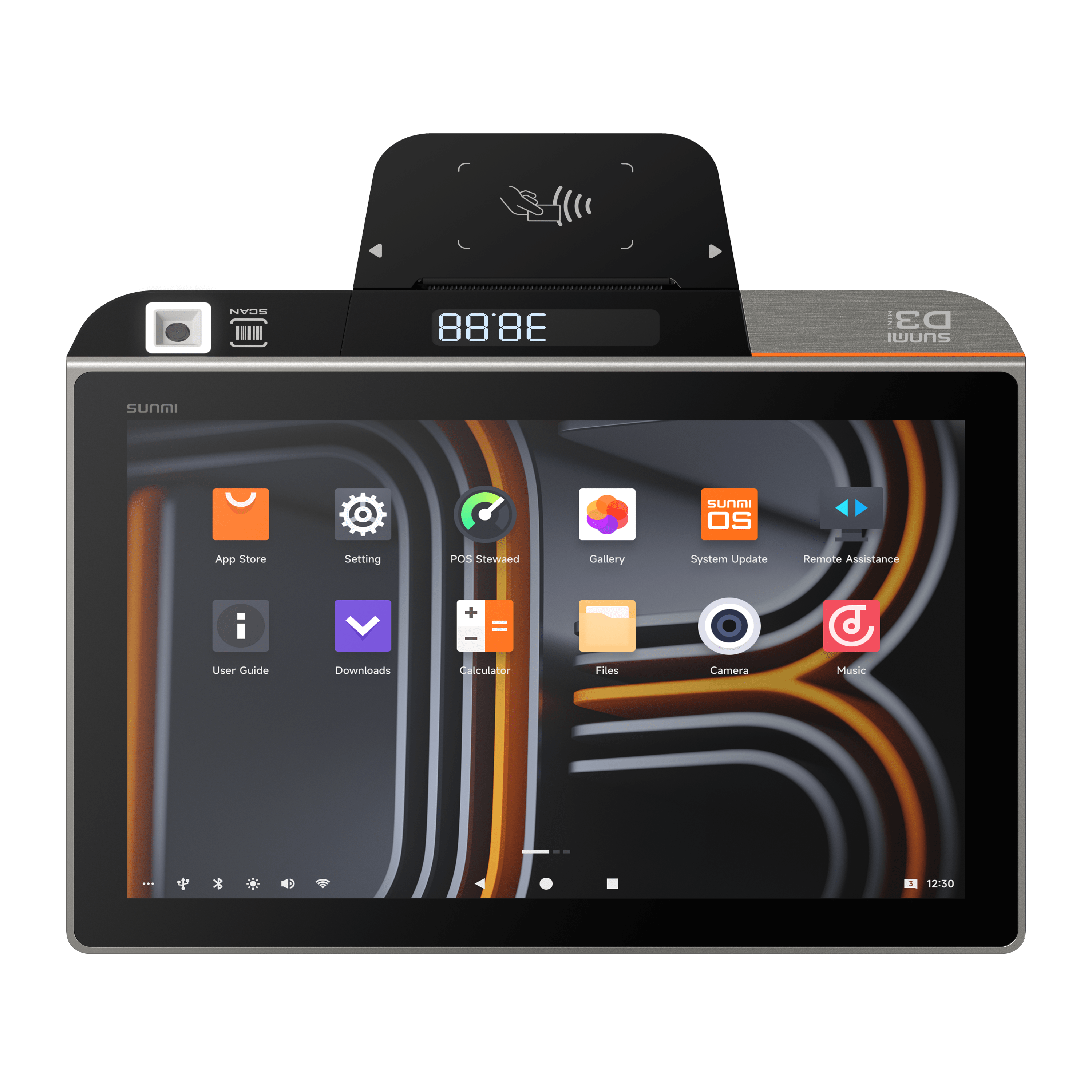
Bittu POS billing is made for busy counters where cashiers need quick item search, cart totals, GST breakdowns, payment modes, and bill printing without friction.
THE SHORT ANSWER
What is restaurant billing software?
Bittu POS billing is made for busy counters where cashiers need quick item search, cart totals, GST breakdowns, payment modes, and bill printing without friction.
THE TOOLS BEHIND THE SERVICE
A better way to run the day.
Create restaurant bills faster with GST, KOT, table orders, UPI payment checks, receipt printing, and order history in Bittu POS.
Handle dine-in, pickup, and delivery order types from the POS screen.
Show CGST and SGST when GST is enabled for the restaurant.
Confirm UPI payments before printing when integrated payment flows are enabled.
FROM SETUP TO SERVICE
Built into your
working day.
Clear steps and connected tools help your team keep service moving.
- 01
Cashier selects items or categories from the POS menu.
- 02
Bittu POS calculates totals, taxes, discounts, and payment mode.
- 03
KOT and customer bill can be printed from the same order flow.
- 04
Orders remain available for later review in the orders and reports modules.
ONE CONNECTED RESTAURANT
The rest of your operation, connected.
Explore the tools that work alongside this part of your restaurant.
A LITTLE MORE CLARITY
Good questions.
Straight answers.
Does Bittu POS support restaurant GST billing?
Yes. GST settings can be configured for the restaurant and the POS can show CGST and SGST lines on bills when applicable.
Can Bittu POS print KOT and customer bills?
Yes. Bittu POS includes receipt and KOT printing flows for restaurant counter operations.
Can cashiers confirm UPI payments?
Yes. Integrated payment flows can check for a matching captured UPI payment before the cashier prints the bill.
BIG AMBITIONS. A FRIENDLY FACE.
You bring the passion.
Bittu brings it together.
Give your team the tools to run the day. Give yourself room to think about what’s next.
Book a Free Demo