Make stock movement visible
Restaurant Stock Transfer Software
Keep a record of ingredient movements instead of relying on a handover message. Follow transfer status from preparation through receipt.
THE SHORT ANSWER
What is restaurant stock transfer software?
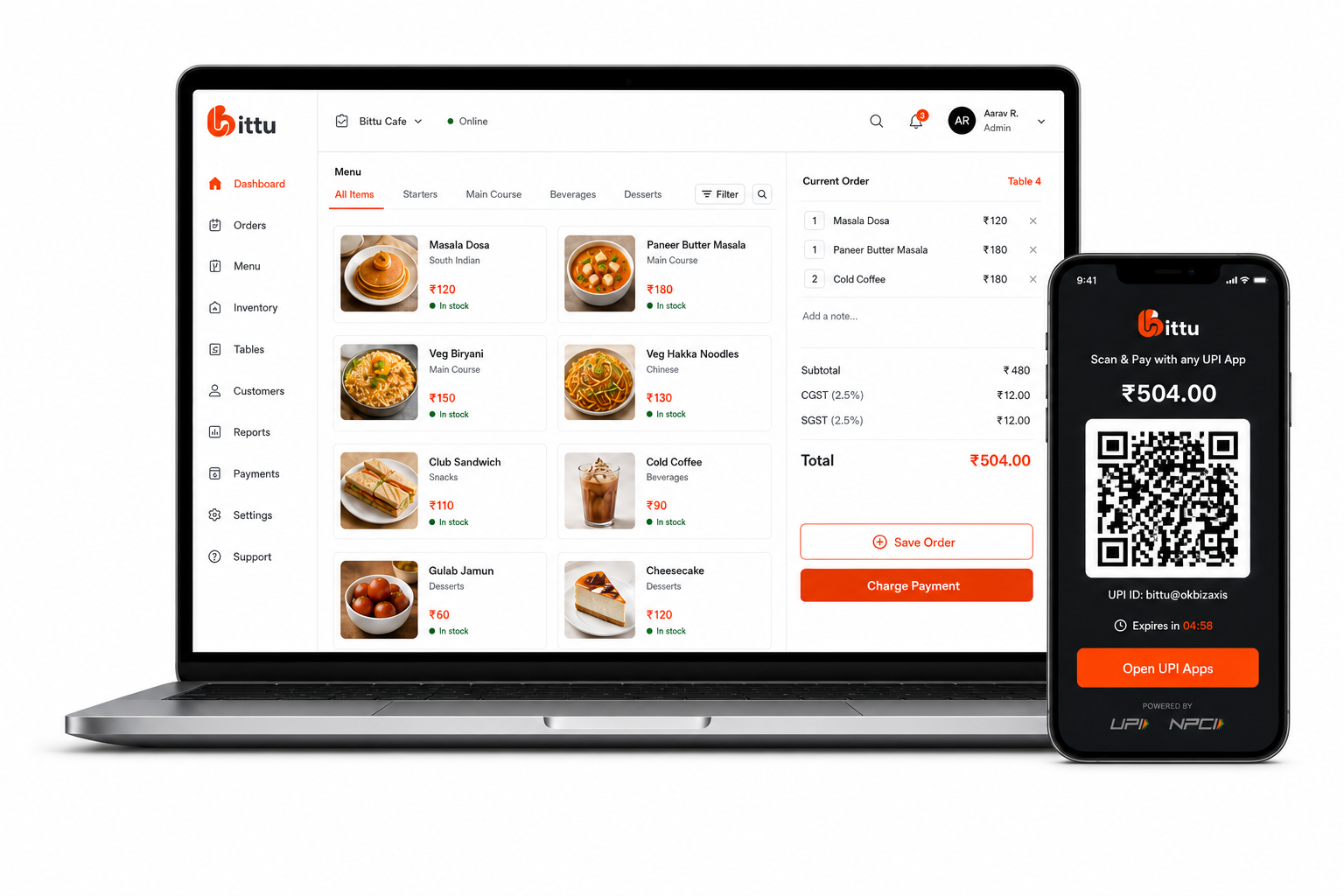
Restaurant stock transfer software records the movement of ingredients between configured locations. Bittu POS includes transfer records with draft, in-transit, received, and cancelled states so teams can distinguish a planned movement from stock that has been received.
THE TOOLS BEHIND THE SERVICE
A better way to run the day.
Track restaurant ingredient transfers through draft, in-transit, received, and cancelled states with Bittu POS stock transfer software.
Distinguish shipped stock from received stock.
Filter transfers by their operational status.
Review transfer records alongside inventory activity.
FROM SETUP TO SERVICE
Built into your
working day.
Clear steps and connected tools help your team keep service moving.
- 01
Prepare the transfer record for the configured source and destination.
- 02
Confirm the ingredient quantities being moved.
- 03
Mark the transfer as shipped when the stock leaves.
- 04
Record receipt after the destination checks the delivered stock.
IN A RESTAURANT WORKING DAY
Where this helps your team.
- A team can distinguish stock prepared for a transfer from stock already on its way.
- The receiving team can record receipt after checking the ingredient handover.
ONE CONNECTED RESTAURANT
The rest of your operation, connected.
Explore the tools that work alongside this part of your restaurant.
A LITTLE MORE CLARITY
Good questions.
Straight answers.
What transfer statuses does Bittu POS show?
The stock transfer workspace includes draft, in-transit, received, and cancelled statuses.
Is an in-transit transfer the same as received stock?
No. In-transit stock has been shipped but has not yet been marked as received. Keeping these states separate makes a handover easier to follow.
BIG AMBITIONS. A FRIENDLY FACE.
You bring the passion.
Bittu brings it together.
Give your team the tools to run the day. Give yourself room to think about what’s next.
Book a Free Demo