Your menu, ready for service
Restaurant Menu Management Software
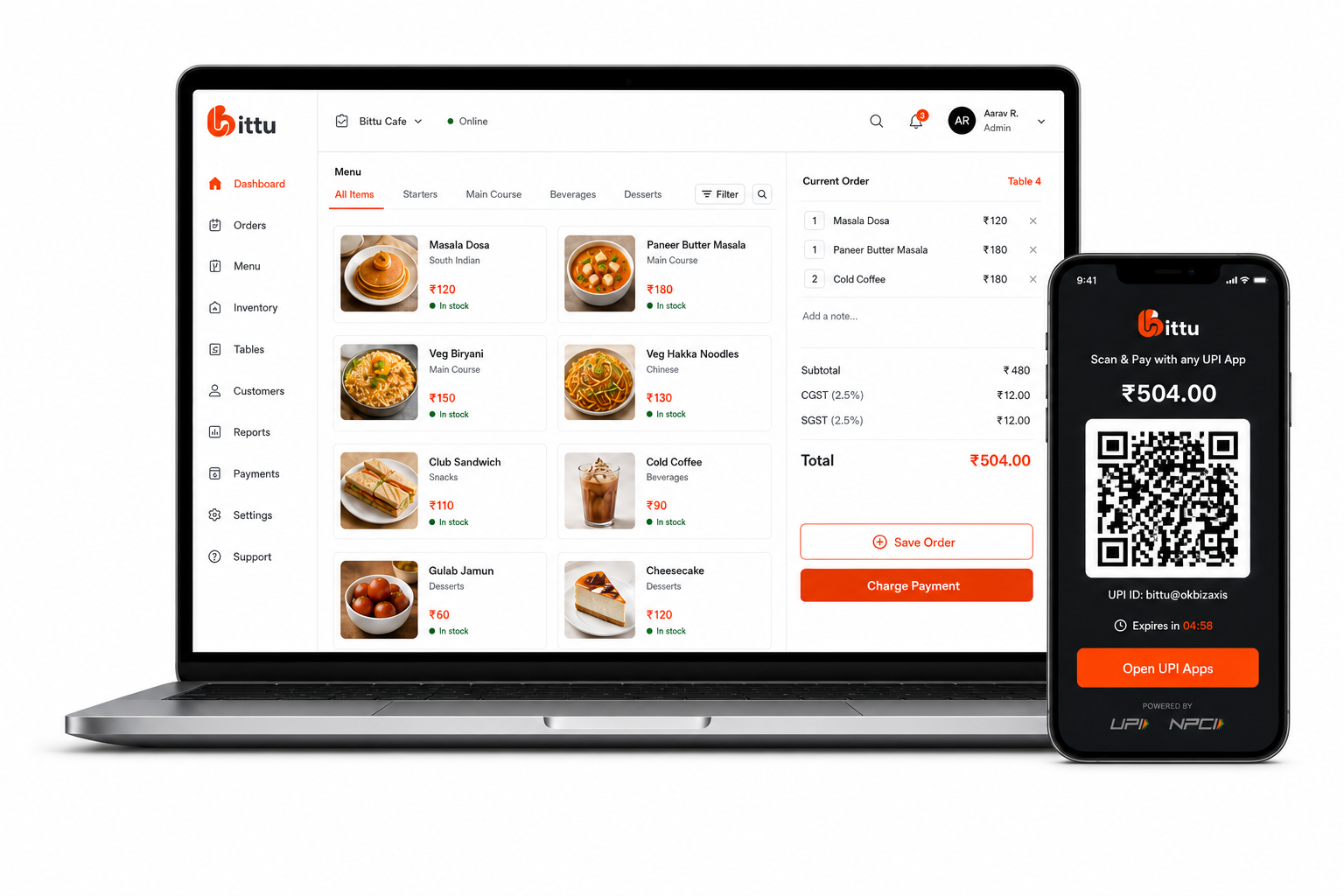
Keep the menu your team sells clear and organised. Manage categories, prices, variants, add-ons, and menu imports from the Bittu POS items workspace.
THE SHORT ANSWER
What is restaurant menu management software?
Restaurant menu management software stores the items, categories, prices, variants, and add-ons a restaurant sells. Bittu POS provides a shared item catalogue for billing and lets operators review menu data before importing it from a photo.
THE TOOLS BEHIND THE SERVICE
A better way to run the day.
Create restaurant menu items, categories, variants, prices, and add-ons. Import menu photos with review before publishing in Bittu POS.
Maintain item prices, variants, and add-ons.
Review AI-detected menu items before importing.
Manage the catalogue from the same workspace used for billing.
FROM SETUP TO SERVICE
Built into your
working day.
Clear steps and connected tools help your team keep service moving.
- 01
Create categories that match the way your restaurant serves.
- 02
Add or edit menu items, prices, variants, and add-ons.
- 03
For a photo import, upload the menu and review detected fields.
- 04
Save the reviewed catalogue and use it in the POS order flow.
IN A RESTAURANT WORKING DAY
Where this helps your team.
- A café can group hot drinks, cold drinks, and food into separate categories.
- A restaurant can review prices and names extracted from a printed menu before adding them to its catalogue.
ONE CONNECTED RESTAURANT
The rest of your operation, connected.
Explore the tools that work alongside this part of your restaurant.
A LITTLE MORE CLARITY
Good questions.
Straight answers.
Can I import a restaurant menu from a photo?
Yes. Bittu POS includes AI menu import. The detected items are shown for review and editing before you import them.
Can I edit prices and variants?
Yes. The items workspace includes price, variant, and add-on management. Review the final item configuration before using it in service.
Is menu management the same as inventory management?
No. Menu management describes what you sell. Ingredient inventory tracks the stock you buy, count, transfer, or use in production. Bittu POS has separate tools for both.
BIG AMBITIONS. A FRIENDLY FACE.
You bring the passion.
Bittu brings it together.
Give your team the tools to run the day. Give yourself room to think about what’s next.
Book a Free Demo